


How to book a vehicle online at Rental Now: a step-by-step guide
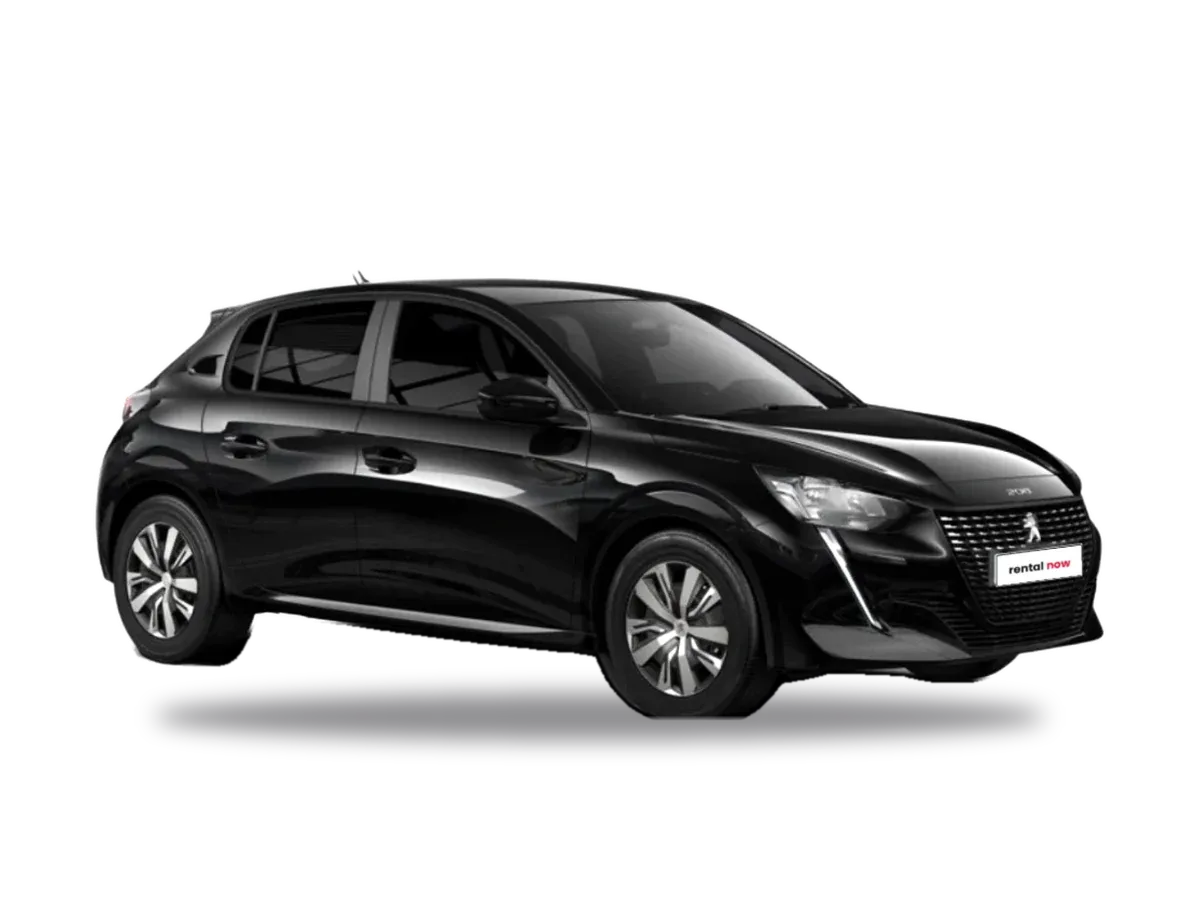
Booking at Rental Now takes three simple steps, on desktop or mobile. Here is how.
Step 1: Choose a vehicle and dates
Open the fleet, choose a car, motorcycle or scooter and enter pick-up and return date and time. You see right away whether it is available and what it costs.
Step 2: Choose extras
Add what you need: child seat, extra driver, helmet, a mileage package or Premium insurance, which allows cancellation up to 48 hours before. The price updates in detail.
Step 3: Details and payment
Enter your name, email and phone. If you have a coupon, type the code in the "Coupon" box. Then press "Pay by card" to go to Viva's secure payment page.
What you pay online and what at the office
Online you pay an advance, a percentage of the total. The balance and the deposit, if required, are paid at pick-up. The vehicle is held for a few minutes while you complete the payment.
After payment
You receive a confirmation email with a photo of the vehicle, dates, itemised amounts, pick-up address and contact numbers. Show your booking code when you arrive.
Start now
See the fleet and book your vehicle.